Blog
How to setup Mission Tech IR DOME WI-FI CAMERA to Ivideon Cloud – Model: 3MP-Dome-WiFi
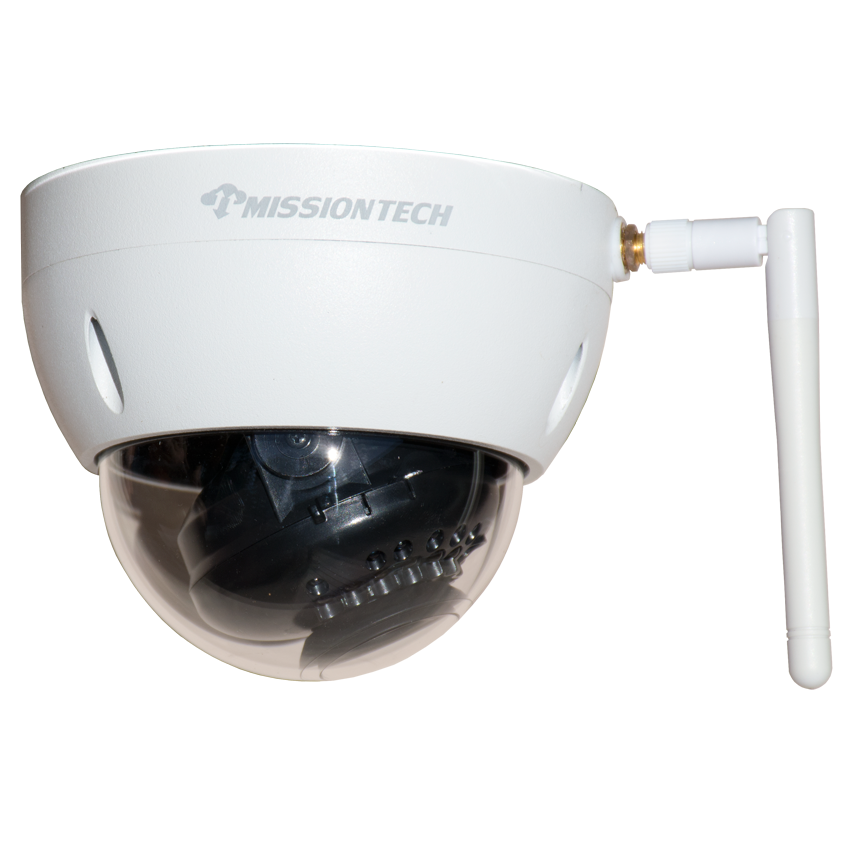
Step 1
Download and install the Advanced IP Scanner.
Step 2
Plug your camera into a 12V DC power supply and connect the camera to a network switch where your computer is connected.
Step 3
Run the Advanced IP Scanner software to scan your network and record down the MAC address of the camera.
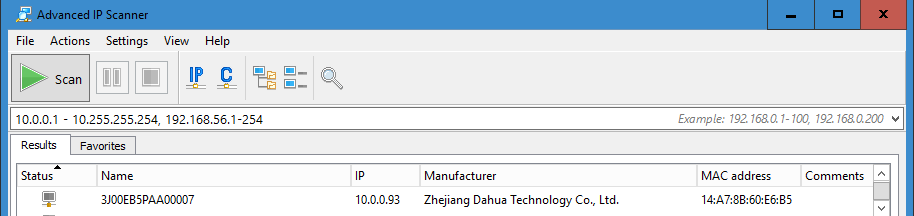
Step 4
Login to your Ivideon account at Ivideon Signin.
Note: All Ivideon cloud cameras purchase from Mission Tech will have Ivideon Cloud Activation Key included. Contact us if you need assistance with this.
Step 5
Follow the instruction video below to complete the installation of your Mission Tech Ivideon Cloud Camera. Contact us if you require further support.
Want Cloudyfy on your next install? Book a dealer demo or see how Cloudyfy works.